



Description
Download Xbox Music – music streaming, Android app, playlist, collection, radio, background playback, mobile music
Overview
Xbox Music is a desktop and mobile music streaming application designed to deliver a vast library of songs to users across multiple devices. Developed by Microsoft, the software enables listeners to search, stream, and organize music on the go using Android devices. The primary purpose of Xbox Music is to provide continuous access to millions of tracks through a stable internet connection, allowing users to enjoy their favorite music anytime and anywhere. It serves as a digital music hub for both casual listeners and enthusiasts who value convenience and integration across platforms.
The software addresses common challenges related to music discovery, organization, and cross-device synchronization. By offering a centralized library, users can manage their music preferences without being tied to a single device. Target users include mobile consumers, Microsoft ecosystem users, and individuals seeking a lightweight alternative to mainstream music platforms. Real-world usage scenarios include commuting, working out, or relaxing at home—any situation where background music enhances the experience. The app supports seamless access to curated playlists, personalized collections, and artist radio, making it suitable for both spontaneous listening and structured music sessions.
Key Features & Capabilities
- Music Streaming Library: Access to millions of songs available for streaming via Wi-Fi or mobile data, enabling on-demand playback across Android devices.
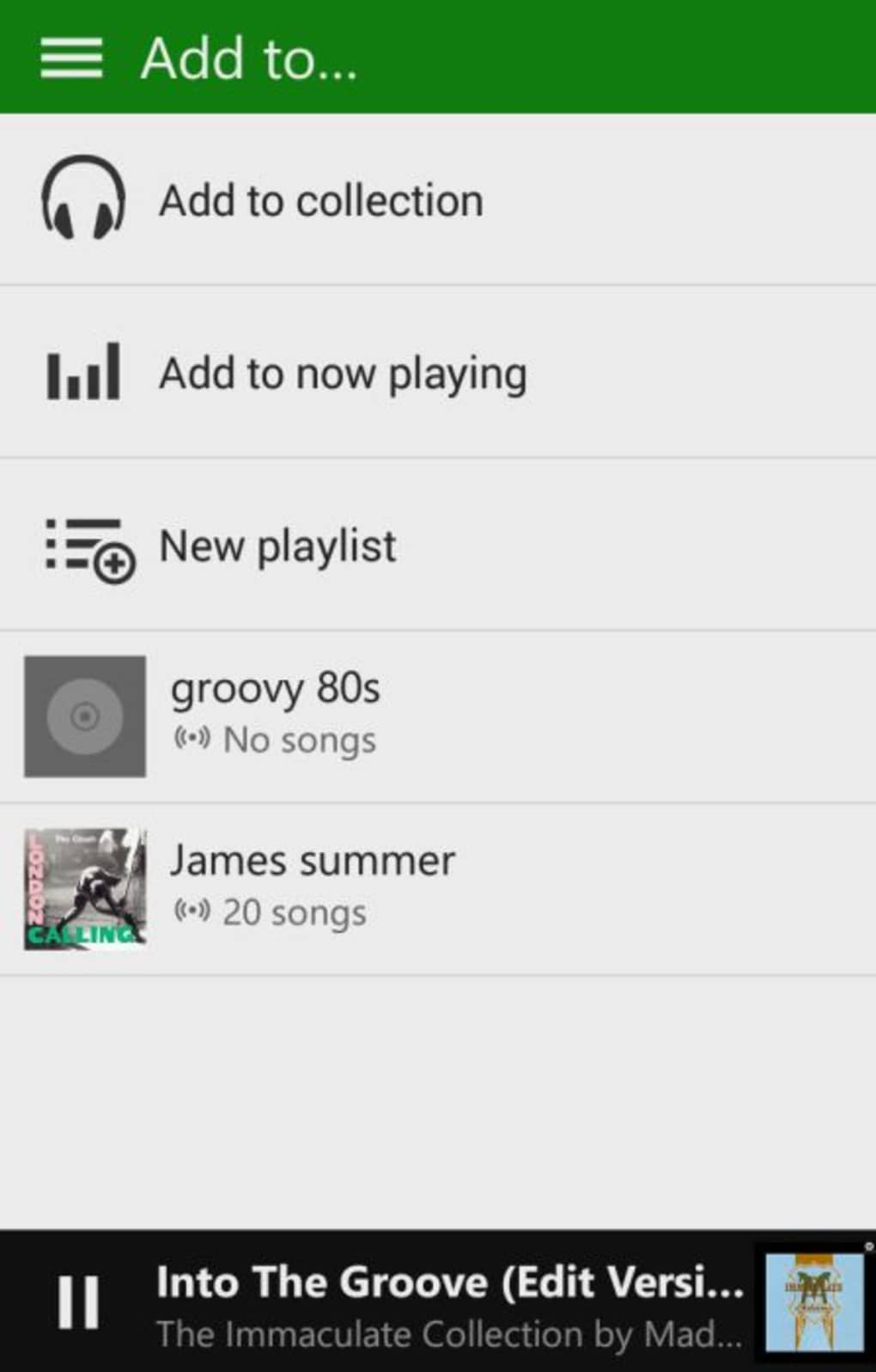
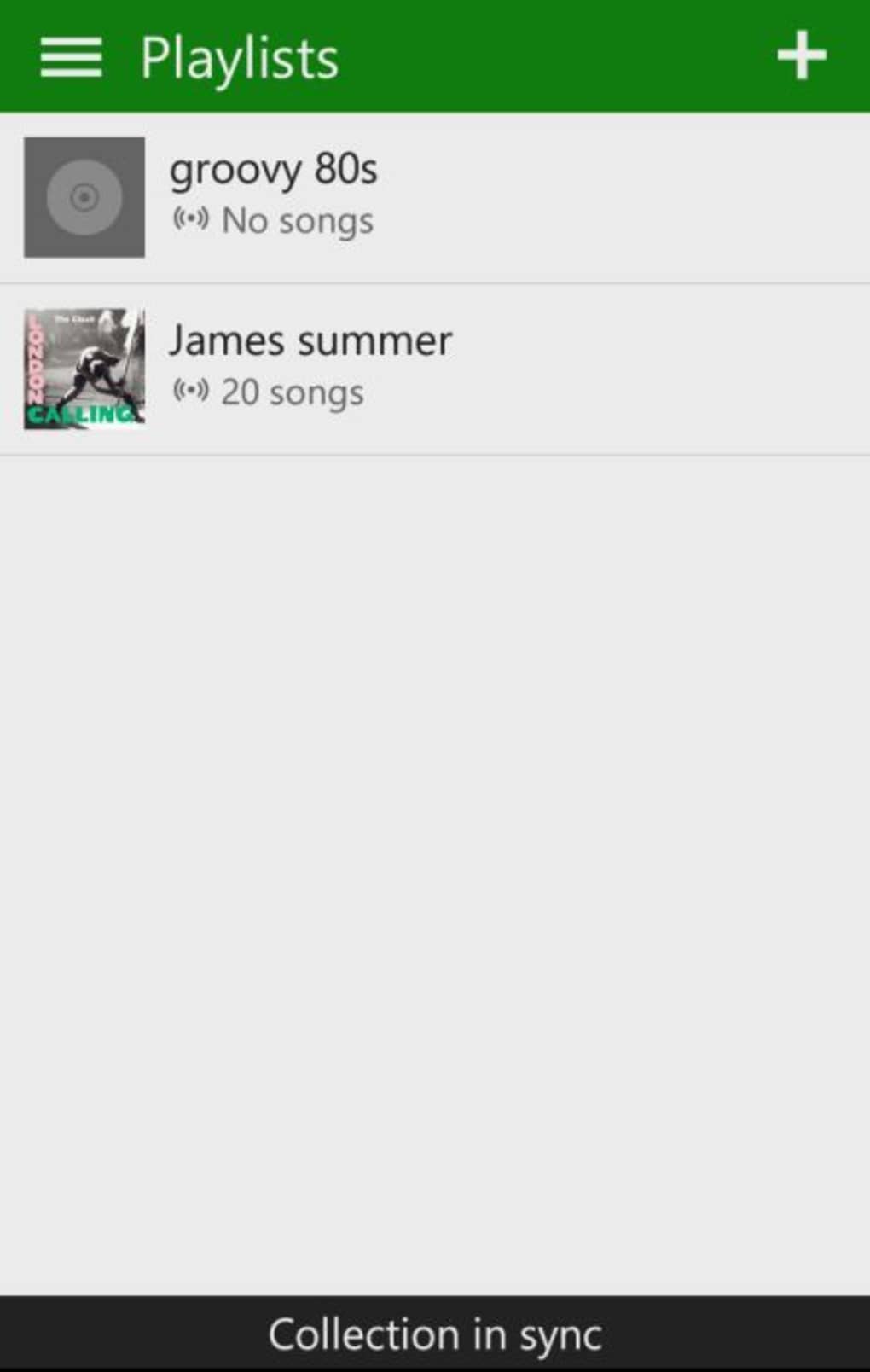
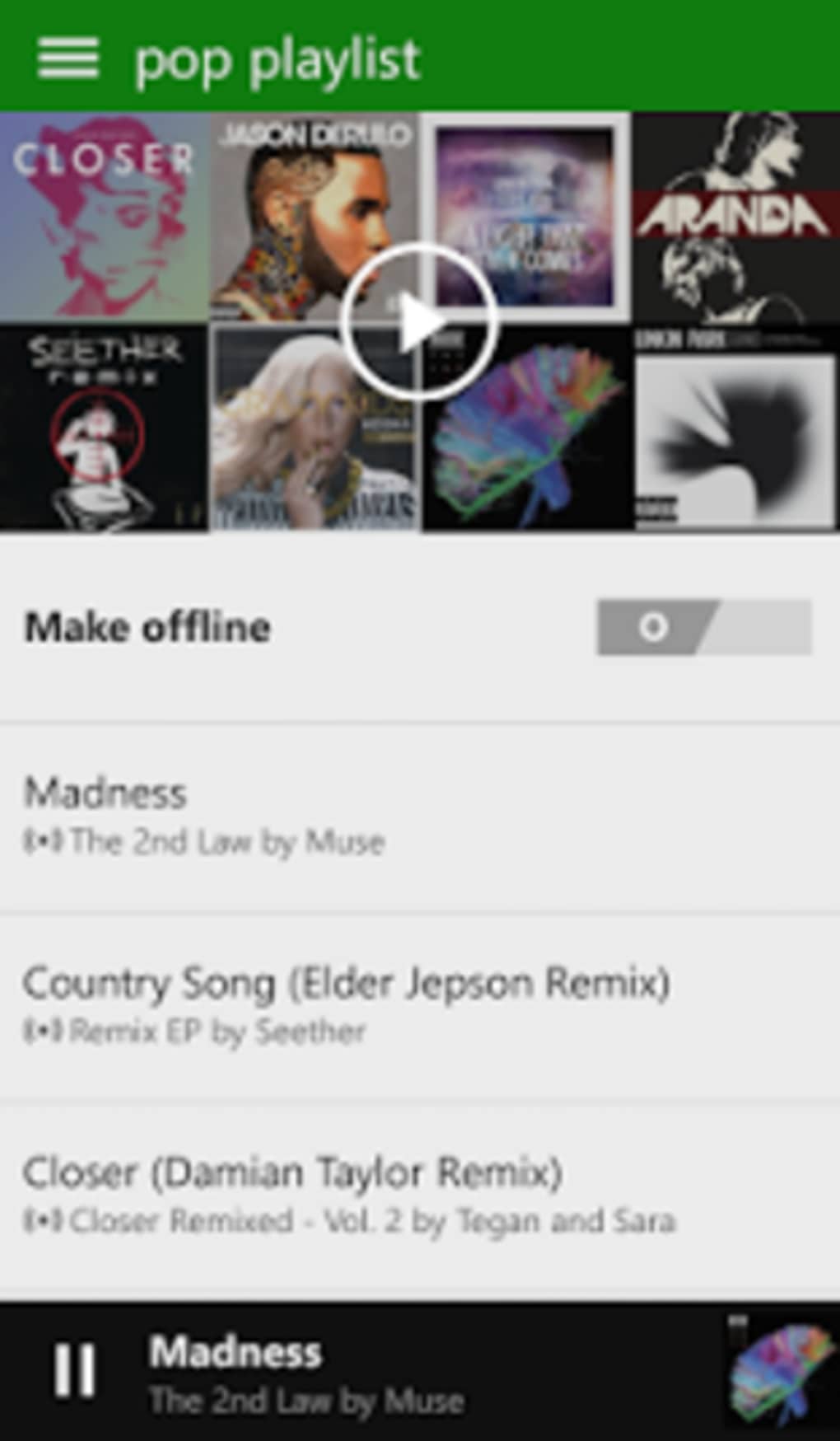
- Playlist Management: Create, edit, and organize custom playlists to group favorite tracks, with synchronization across all linked devices including PCs, Xbox, and web browsers.
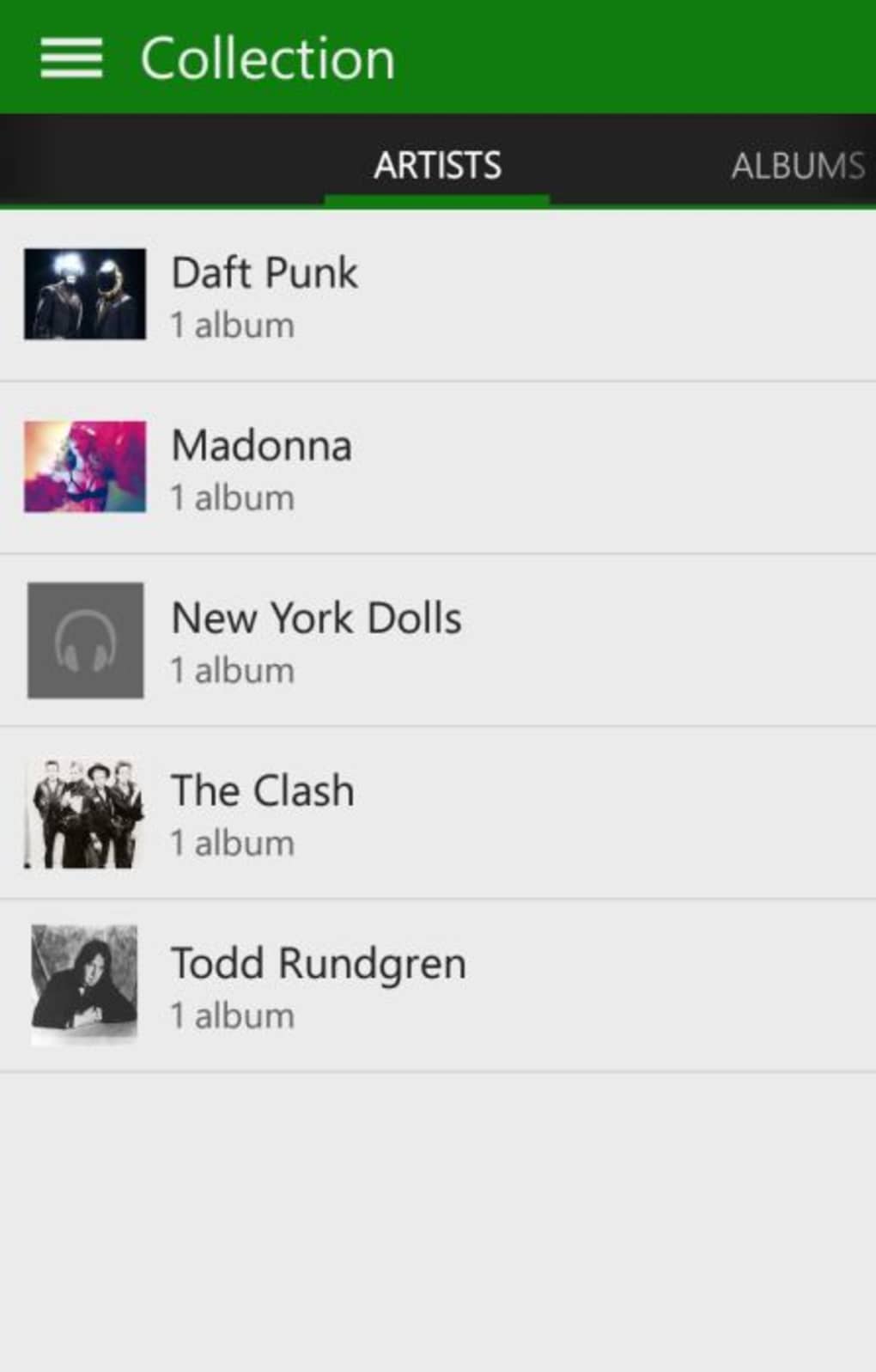
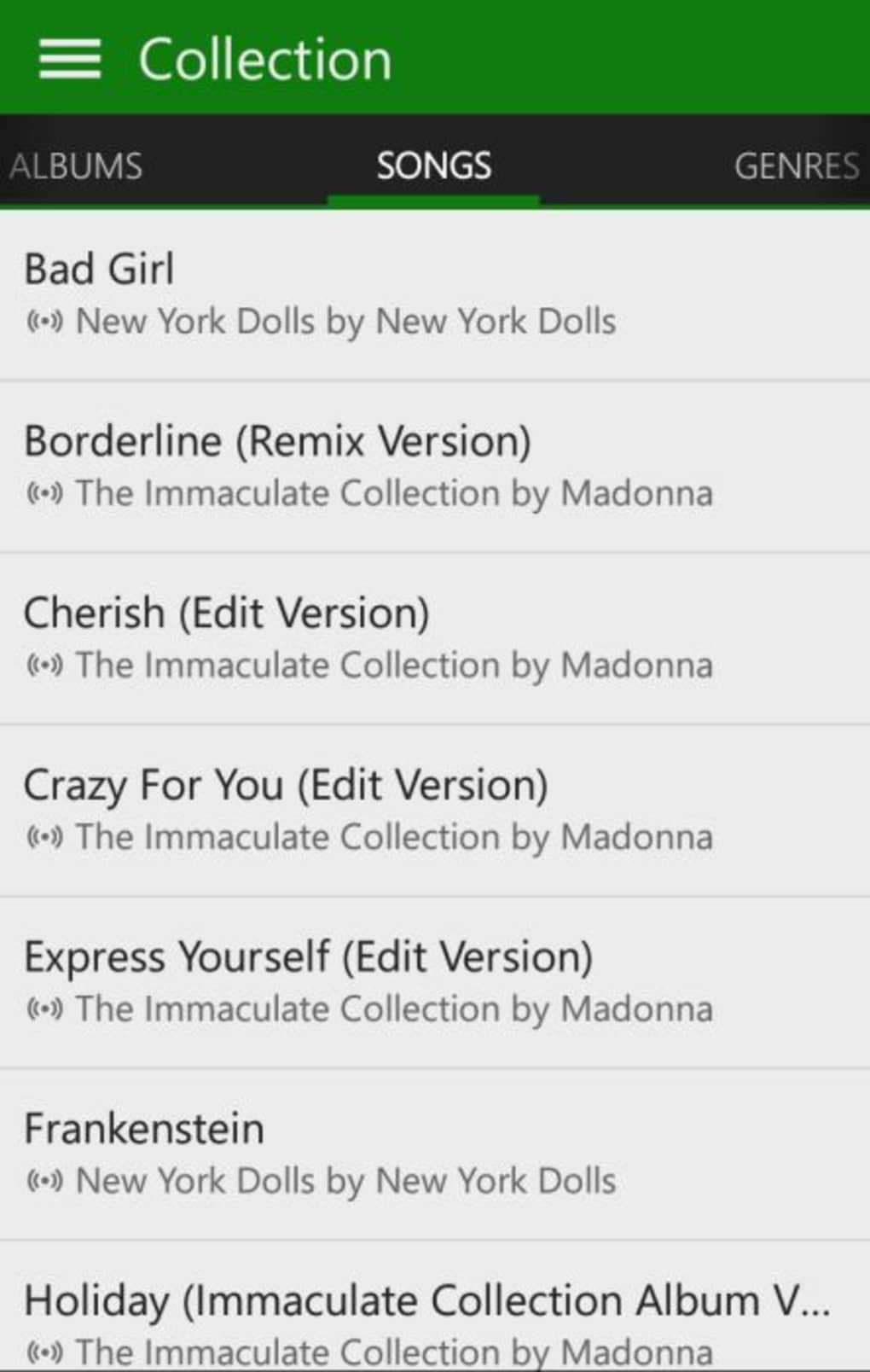
- Collection Feature: A unified hub that aggregates all favorite songs, albums, and playlists into one accessible location, allowing users to browse by artist, album, genre, or track.
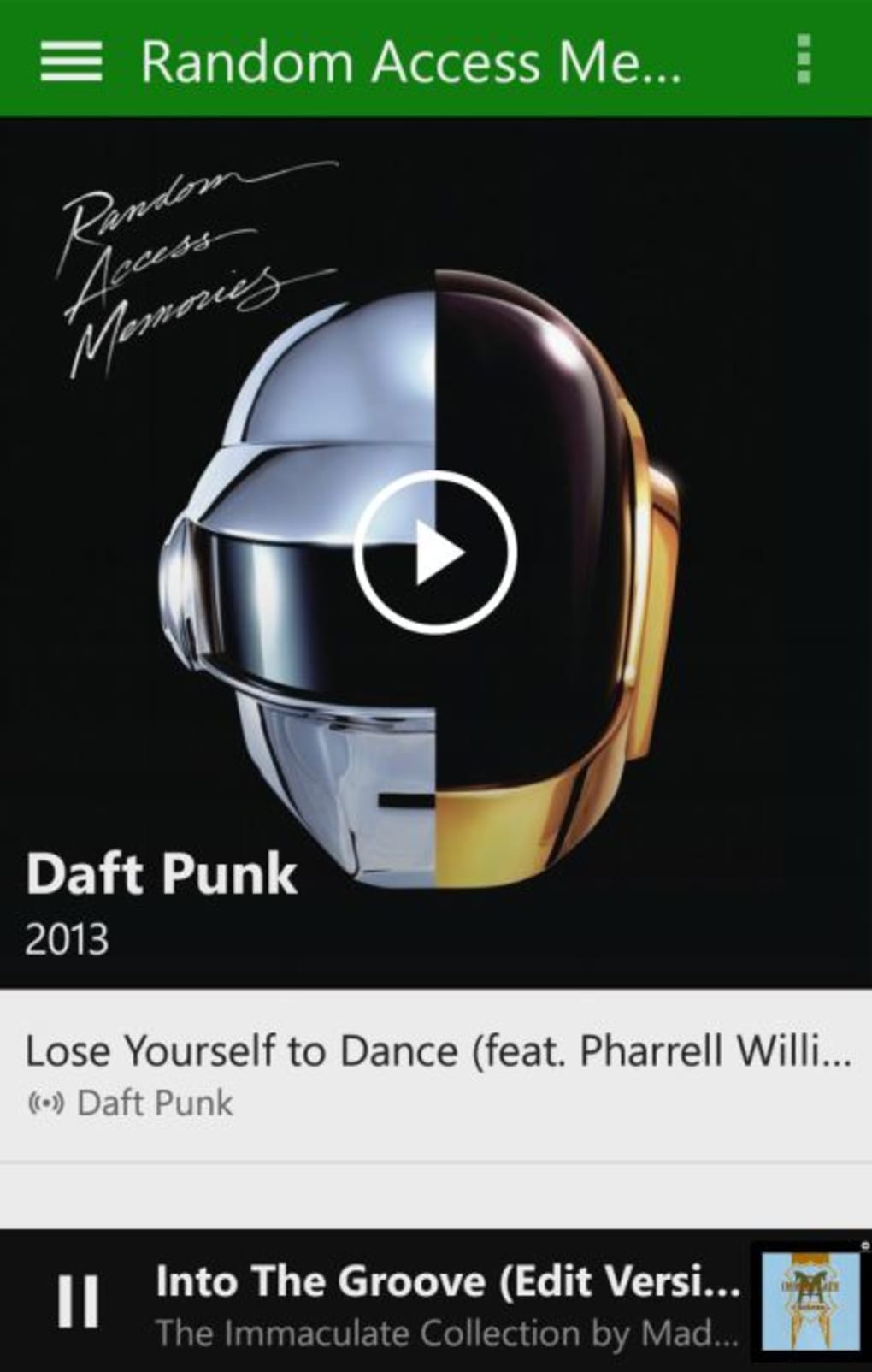
- Background Playback: Music continues to play while users navigate other apps or lock their device, ensuring uninterrupted listening without keeping the app open.
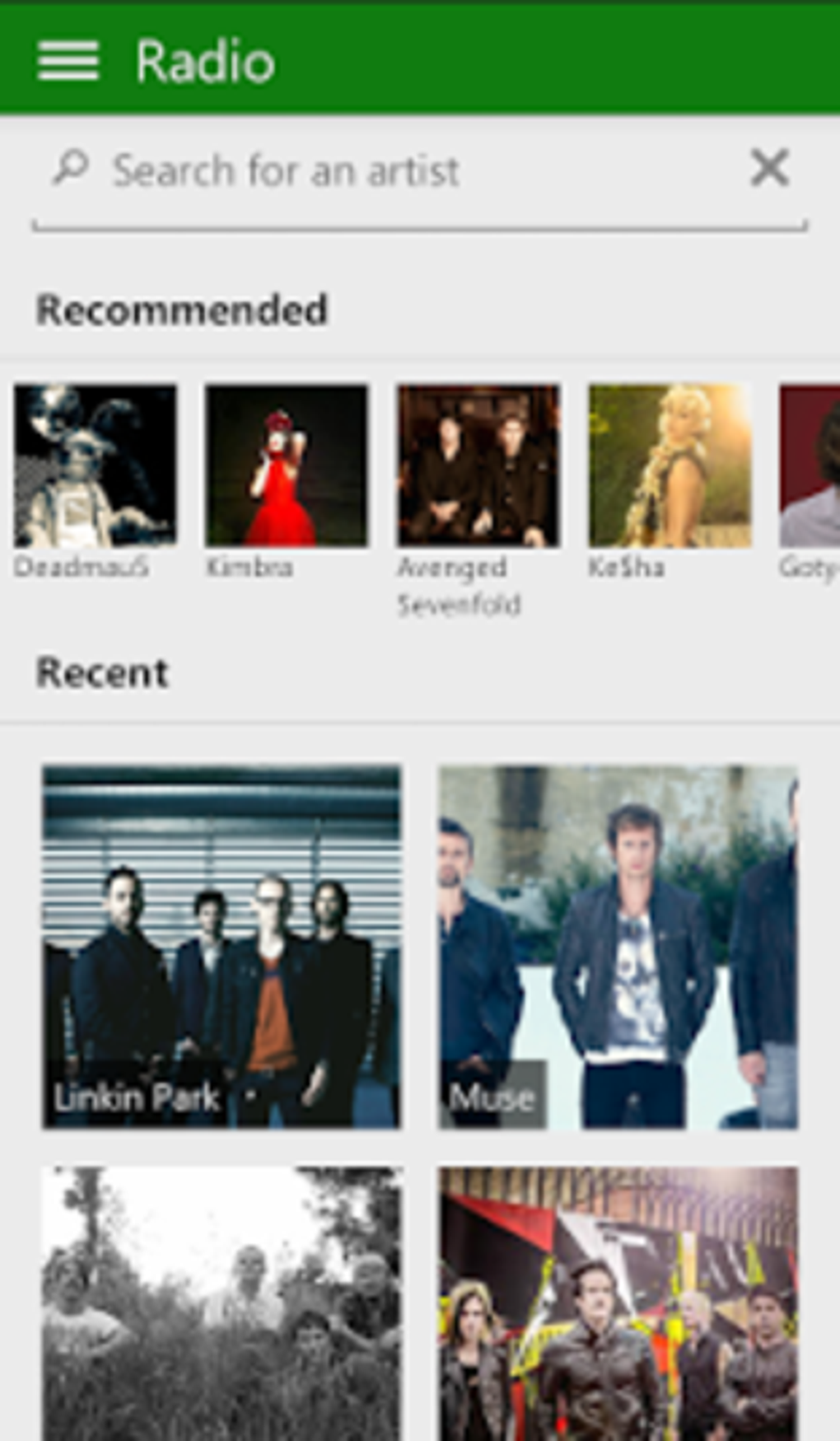
- Artist Radio: Generate personalized radio streams based on favorite artists, offering continuous playback of similar tracks.
- Search and Discovery: Search for songs, artists, albums, or genres directly within the app to quickly locate desired content.
These features support efficient music consumption by reducing friction in discovery and playback. For example, users can create a playlist during a commute and access it later on a PC or Xbox. The Collection feature streamlines access to frequently played music by consolidating content from multiple playlists. Background playback enhances usability during multitasking, while artist radio provides passive listening options. These capabilities collectively improve the user experience for those who prioritize convenience and accessibility over advanced social or collaborative features.
User Interface, Workflow & Performance
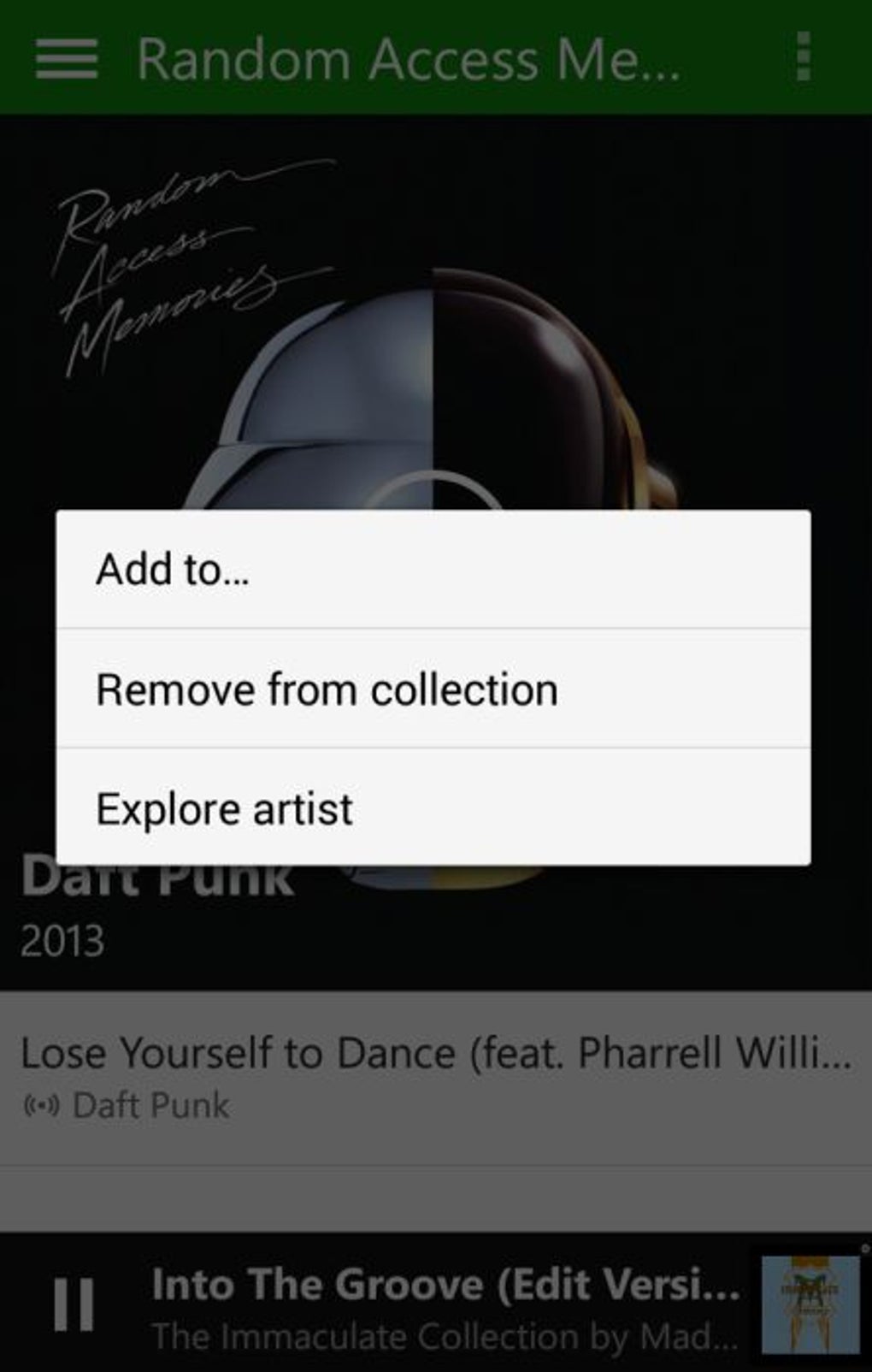
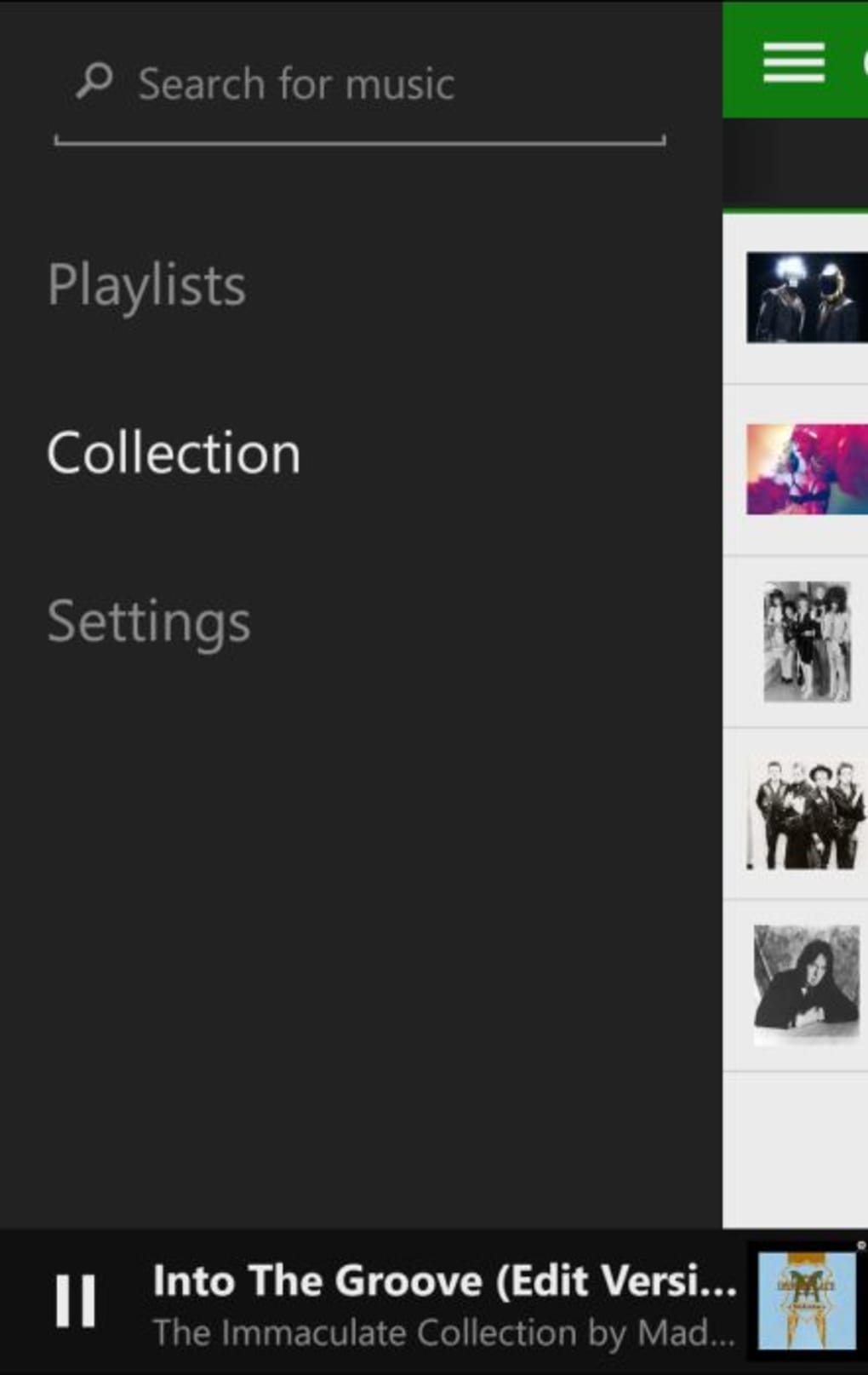
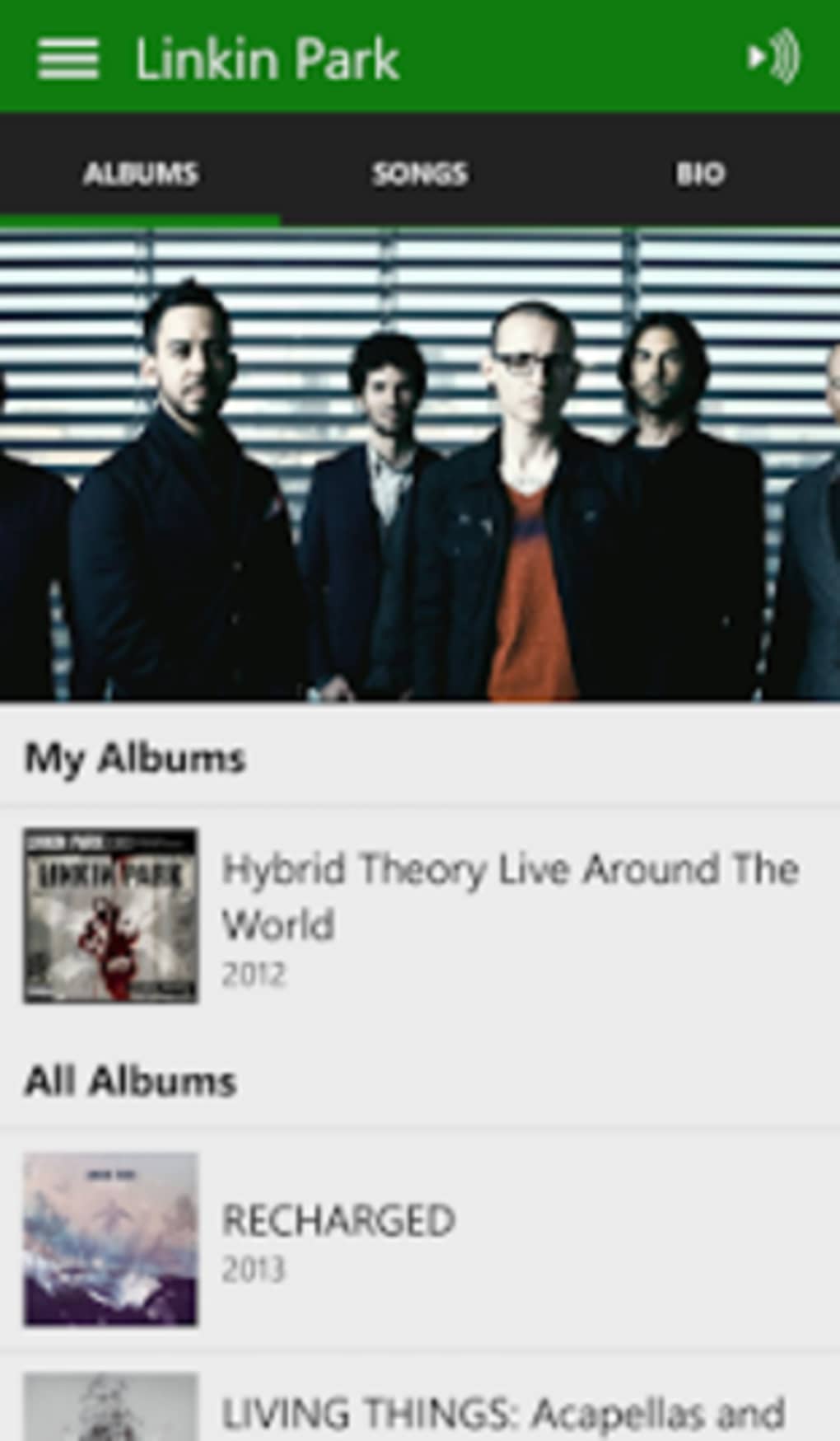
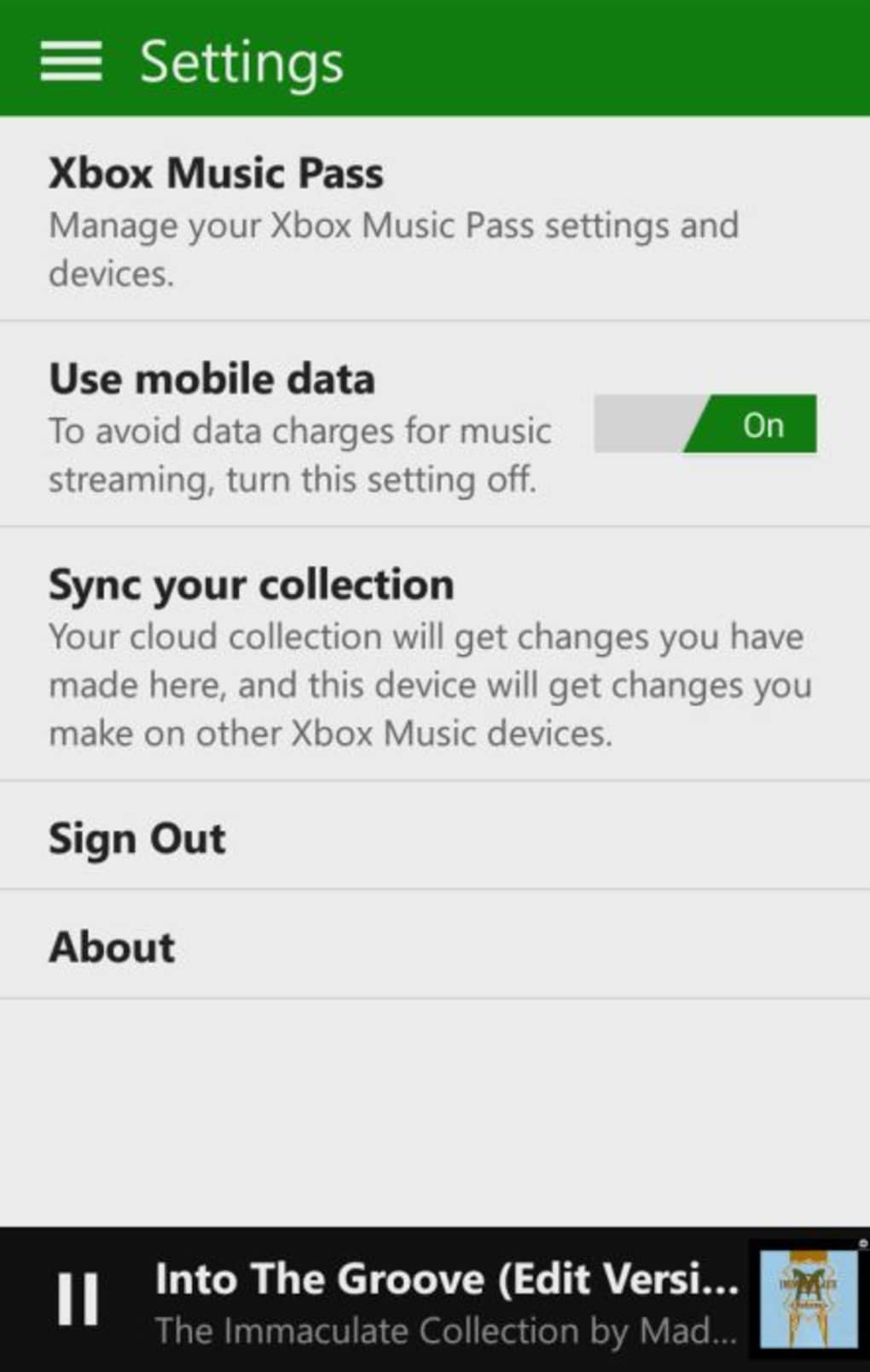
The user interface of Xbox Music follows a clean, intuitive layout optimized for mobile use. Navigation is handled through a slide-out menu accessible from the top-left corner, offering quick access to core sections such as Search, Playlists, Collection, and Settings. A contextual menu in the top-right allows users to perform actions like adding a song to a playlist, starting radio playback, or viewing artist biographies by long-pressing content.
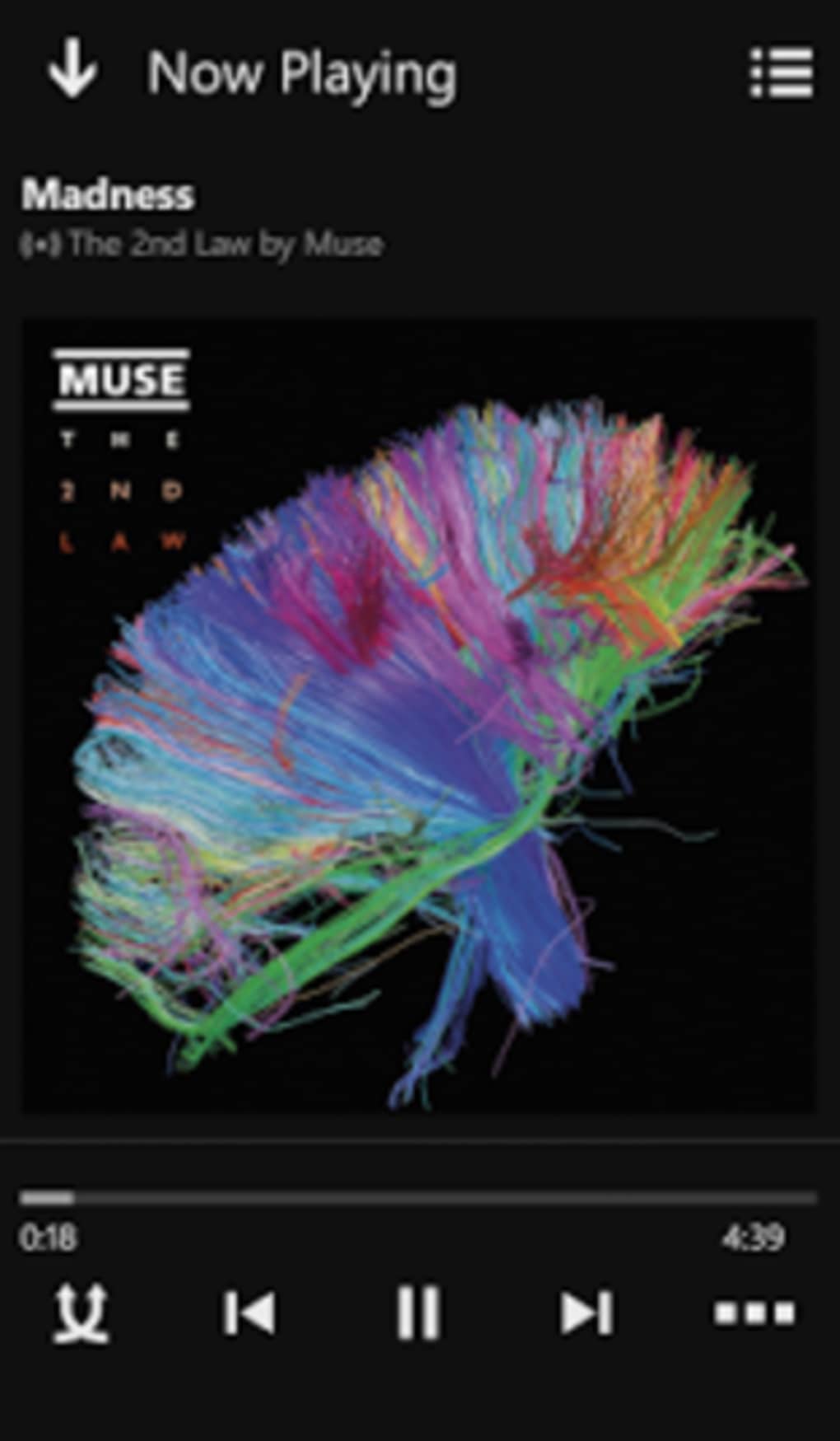
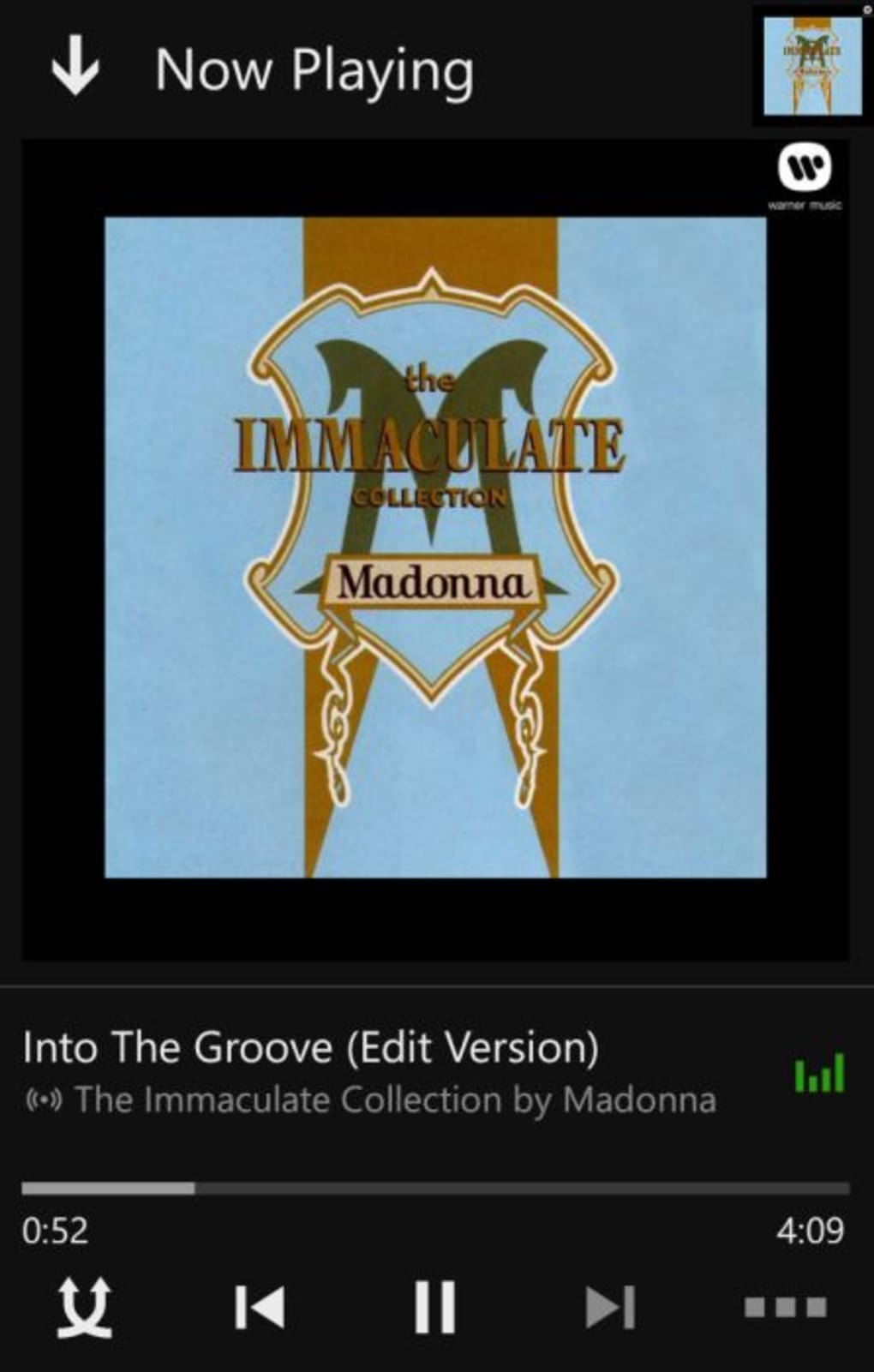
Workflow efficiency is supported by logical grouping of functions and minimal navigation steps. The Now Playing screen displays upcoming tracks and includes a shuffle option, enabling dynamic listening experiences. The app maintains playback continuity in the background, which is essential for mobile use. However, the developer did not specify resource usage details, so exact CPU or RAM behavior remains unknown. Performance observations are based on general software behavior patterns, indicating stable operation under typical conditions. Stability during extended listening sessions was not verified, but no reports of crashes or freezes were provided. Overall, the interface design prioritizes usability and ease of access, making it suitable for users seeking a straightforward music experience without complex configurations.
Compatibility & System Requirements
Xbox Music is designed for Android operating systems, with version 1.0 released on August 1, 2014. The application has a file size of 12.5 MB, indicating a lightweight footprint suitable for devices with limited storage. Compatibility information is limited to Android, and no details were provided regarding minimum hardware specifications such as processor speed, RAM, or screen resolution. The developer did not specify system requirements beyond the OS platform.
Installation is straightforward, with the app available through official Android distribution channels. Users can expect compatibility with most Android devices released around the time of the app’s launch. However, support for newer Android versions or future updates was not confirmed. The app may experience reduced functionality or performance issues on devices with outdated system software. For optimal results, users should ensure their device meets standard Android compatibility standards. Exact performance details were not specified.
Pros and Cons
Pros
- Free to download and use with no upfront cost.
- Supports background playback for uninterrupted music listening.
- Offers a unified Collection feature to aggregate favorite content from multiple playlists.
- Syncs playlists and music preferences across multiple devices.
- Intuitive interface with easy navigation via slide-out and contextual menus.
Cons
- Lacks offline mode, requiring constant internet connectivity.
- Only supports artist radio; no genre or playlist-based radio options.
- Missing collaborative playlist and sharing features found in competing apps.
- No Explore or Discover section for personalized recommendations.
- Outdated release date suggests limited ongoing development or updates.
FAQ Section
Is Xbox Music compatible with my Android device?
Xbox Music is designed for Android operating systems. While the app was released in 2014, it may still function on older Android devices. Compatibility with newer Android versions is not confirmed.
Can I use Xbox Music without an internet connection?
No, Xbox Music does not support offline playback. All music must be streamed in real-time via Wi-Fi or mobile data.
Is Xbox Music free to use?
Yes, Xbox Music is available at no cost. There are no subscription fees or in-app purchases required for basic access.
Does Xbox Music support playlist sharing?
No, the app does not allow users to share playlists with friends or create collaborative playlists.
How often are updates released for Xbox Music?
The last known version was released on August 1, 2014. No recent updates have been published, indicating minimal or no active development.
Final Thoughts + CTA
Xbox Music delivers a functional and accessible music streaming experience tailored for Android users within the Microsoft ecosystem. While it offers core features like playlist management, background playback, and cross-device sync, it falls short in advanced functionality compared to modern competitors. The absence of offline mode, collaborative tools, and a discovery engine limits its appeal for users seeking a comprehensive music platform. However, its simplicity, lightweight design, and free access make it a viable option for those who prioritize basic music streaming without added complexity.
For Microsoft users already invested in the ecosystem, Xbox Music may serve as a convenient bridge between devices. Yet, for users seeking a more dynamic, feature-rich experience, alternatives with robust offline capabilities and social features are recommended. Overall, Xbox Music remains a competent but dated solution in a rapidly evolving market.
Download Xbox Music now
Guides & Tutorials for Xbox Music
How to install Xbox Music
- Click the Preview / Download button above.
- Once redirected, accept the terms and click Install.
- Wait for the Xbox Music download to finish on your device.
How to use Xbox Music
This software is primarily used for its core features described above. Open the app after installation to explore its capabilities.
User Reviews for Xbox Music 0
No reviews found





